
Membership and registration
Organize steps, required documents, product selection and application processing.
MutualBoost / Setup
The wizard guides installation settings, industry selection, example imports, modules and languages. Then customize the organization in its Studio.
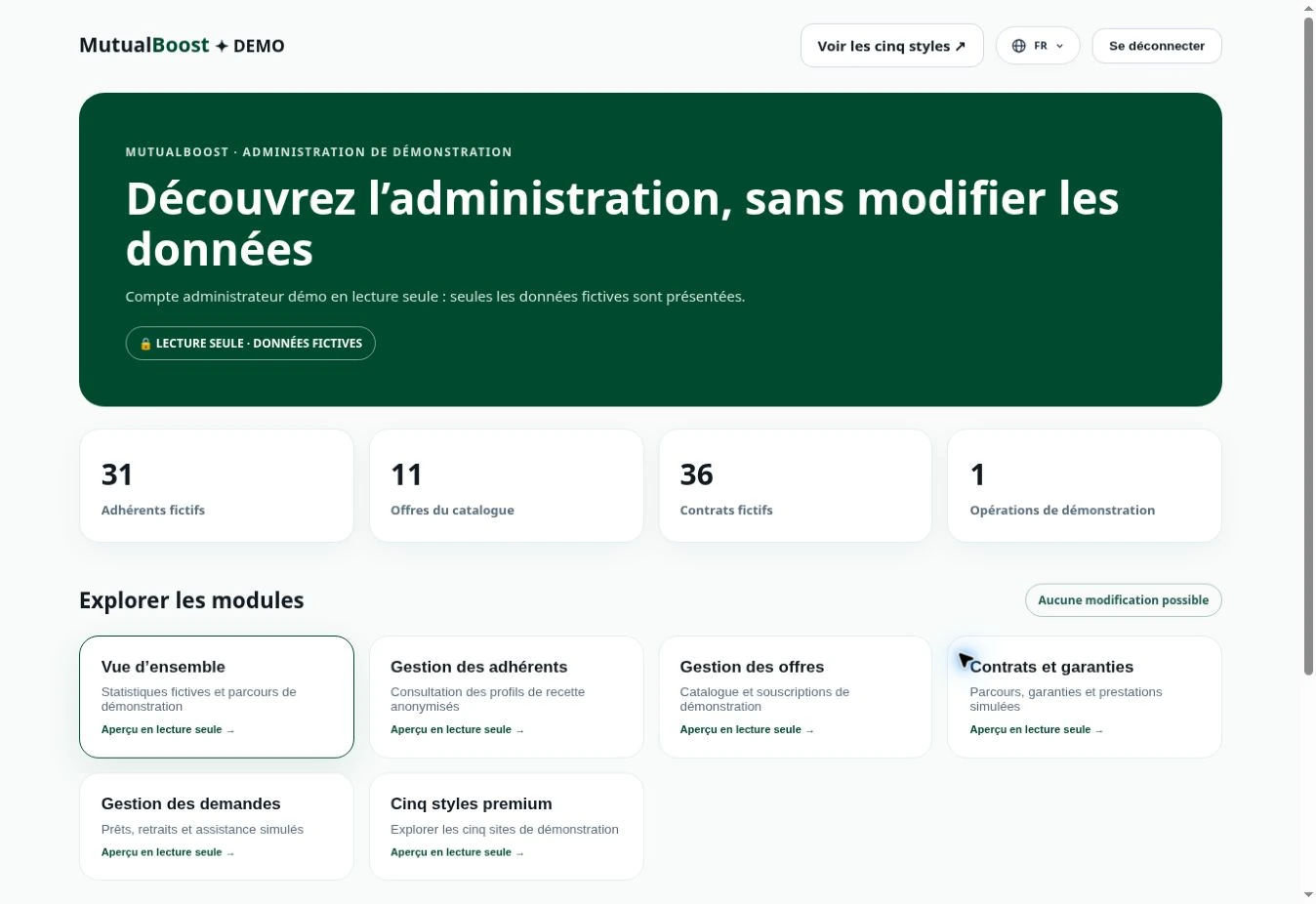
Setup
Choose a demo, select the elements to import, personalize your platform and configure your services.
From membership to financial tracking, explore the available features and the settings that adapt them to your needs.
Organize steps, required documents, product selection and application processing.
Give each team member access that matches their responsibility in the organization.
Enable supported languages and manage translations for interfaces and content.
Choose an industry, import selected elements and prepare the organization’s identity and settings.
Yes. Names, logos, colors, content, pages, menus and available modules can be configured in the administration.
The demo is a starting point. You can extend it with the product types and modules supported by the platform.
App workflows use native Flutter components. The website and app use the content and settings designed for their respective platforms.
Availability depends on the country, currencies, merchant account and provider configuration. Displaying a payment method does not activate it.
MutualBoost
MutualBoost helps organizations build a platform that reflects their identity, with industry workflows and content managed from a shared administration.